
Run & gun
Neon Rift
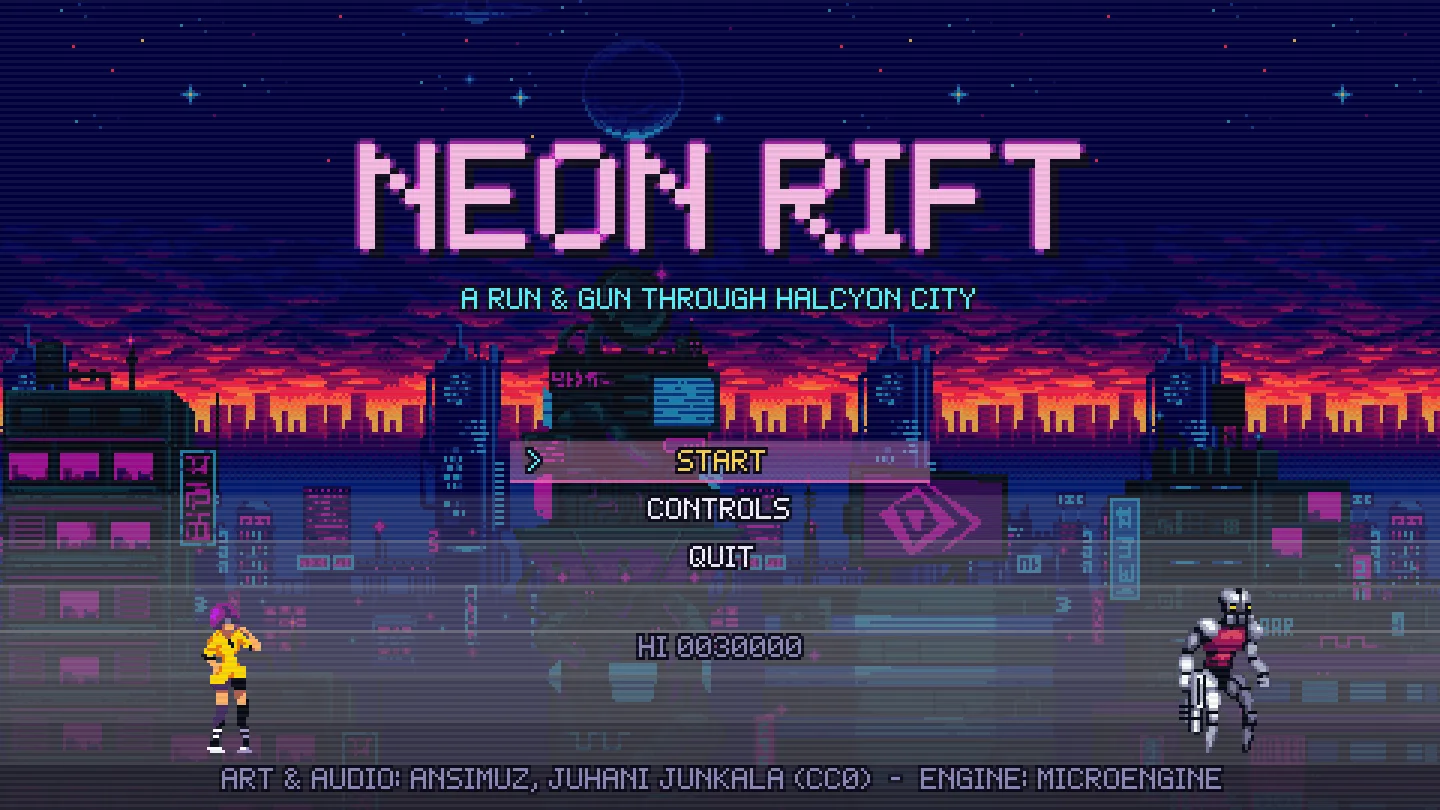
Neon rooftops, a drowned grotto and a flying dreadnought.
Checking this browser…
Loads the game in this page: about 13.0 MB. Keyboard required.
Made for a keyboard
This device does not seem to have a keyboard and mouse. The demos have no touch controls and have not been tested on phones or tablets.
This window is smaller than the demos were tested at.
Have a keyboard connected? (about 13.0 MB; this setup is not validated).
This browser cannot run the demos
The games need WebAssembly and WebGL, which this browser does not offer. They were verified in Chrome and Firefox on desktop.
The game stopped
Something went wrong while loading or running the game.
Not included in this build
This copy of the site was built without the web packages. Screenshots and controls are below.
Download for your platform
Neon Rift 1.0.0 · MicroEngine 0.2.0-alpha · release v0.2.0. Each package was played on its own system before it was published: how each platform was checked.
Windows 10 or 11, 64-bit, a GPU with Direct3D 11, OpenGL or Vulkan.
Install and run
- Extract the ZIP anywhere.
- Run NeonRift.exe. Windows SmartScreen may say the publisher is unknown, because the program is not signed: choose More info, then Run anyway.
SHA-256
1c9242a566a99a3d1ec740c9f56364b0434f9acfb43d552154364c7bcb346d66A 64-bit x86 distribution with glibc 2.34 or later (for example Ubuntu 22.04, Debian 12, Fedora 35 or newer), an X11 or Wayland desktop with OpenGL (Mesa or a GPU driver), and PulseAudio or PipeWire for sound. The alternative --platform raylib needs glibc 2.38 (Ubuntu 24.04 or newer).
Install and run
- Extract the archive: tar -xzf <file>.
- Run ./NeonRift/NeonRift from a terminal or your file manager.
SHA-256
2e3b872bda96c07f712196fbb3a1c1e930fa151dae2ea85dca651656391165bbmacOS 14 or later on Apple silicon (M1 or newer). Intel Macs are not packaged.
Install and run
- Extract the ZIP and move Neon Rift.app wherever you like.
- The app is not notarized by Apple, so macOS blocks the first launch. Open it once, then go to System Settings → Privacy & Security and choose Open Anyway; or run xattr -dr com.apple.quarantine "Neon Rift.app" in Terminal.
SHA-256
f2982ee8ac4e6868e8b5de53f76460ad53141a262920d4feca538431ea19efa7Android 7.0 (API 24) or later on a 64-bit ARM or x86 device. On-screen touch controls; a keyboard or gamepad also works.
Install and run
- Download the APK on the device.
- Open it. Android asks once to allow installing apps from that source (your browser or file manager); allow it, then install.
- The APK is signed with MicroEngine's demo key, so later demo versions install as updates.
SHA-256
f3f9316636e27611dde455ea10988d96ebab56983f5d023dff80aeb5233ea360
- iOS: no download. Installing on an iPhone requires Apple signing, and the build checked in Apple’s simulator cannot run on a device (why).
- Direct downloads from GitHub Releases, not store listings: no Steam, Google Play or App Store account is needed. Downloads and installation
About the game
The Halcyon corporation is assembling the Leviathan under its tower district. Vela, a courier with a pulse pistol, crosses the neon rooftops, the drowned grotto and the assembly lab to take it down before it launches.
Neon Rift is built from existing CC0 asset packs (sprite sheets, tilesets, WAV effects and OGG music) loaded through the engine’s file loaders. Its music makes it the largest download of the four.
Controls
| Action | Keys |
|---|---|
| Move | Arrows / WASD |
| Jump (release early for a short hop) | Z, Space, J |
| Fire (hold for auto-fire) | X, K |
| Aim up / diagonals | Up, Up + direction, Down + direction while walking |
| Kneel / aim down in the air | Down |
| Drop through a ledge | Down + Jump |
| Plant feet to aim diagonally | C, L, Left Shift (hold) |
| Pause | Esc, P |
In the browser, Alt+Enter or the Fullscreen button toggles fullscreen. A gamepad was validated by hand in a Chromium-based browser with one controller; other controllers are untested.
Compatibility
- Verified In the browser: Chrome and Firefox on desktop, with a keyboard (automated tests and manual play)
- Manually tested One gamepad in a Chromium-based browser
- Not tested Safari, other browsers, and browsers on phones (the web build has no touch controls)
- Emulator only The Android app: generic on-screen controls (d-pad, A, B, X, shoulder, Start); no physical phone has run it
- Version
- Neon Rift 1.0.0, MicroEngine 0.2.0-alpha
- Browser download
- about 13.0 MB, only when you press Play
- Content
- Asset files: CC0 sprite sheets, tilesets, WAV and OGG.
- Licence
- Demo game: all rights reserved (notice). Read its code to learn MicroEngine; do not redistribute or sell it. The engine that runs it is MIT licensed, and its third-party art and audio keep their own licences. The package includes these notices and the third-party notices.
- Saves
- In the browser, in this site’s storage for each game (clearing site data or a private window removes them). Native builds save in your user data folder; Android in the app’s own storage.
- Build
- 50aa76d46ef73214 · 6707fcb
Screenshots
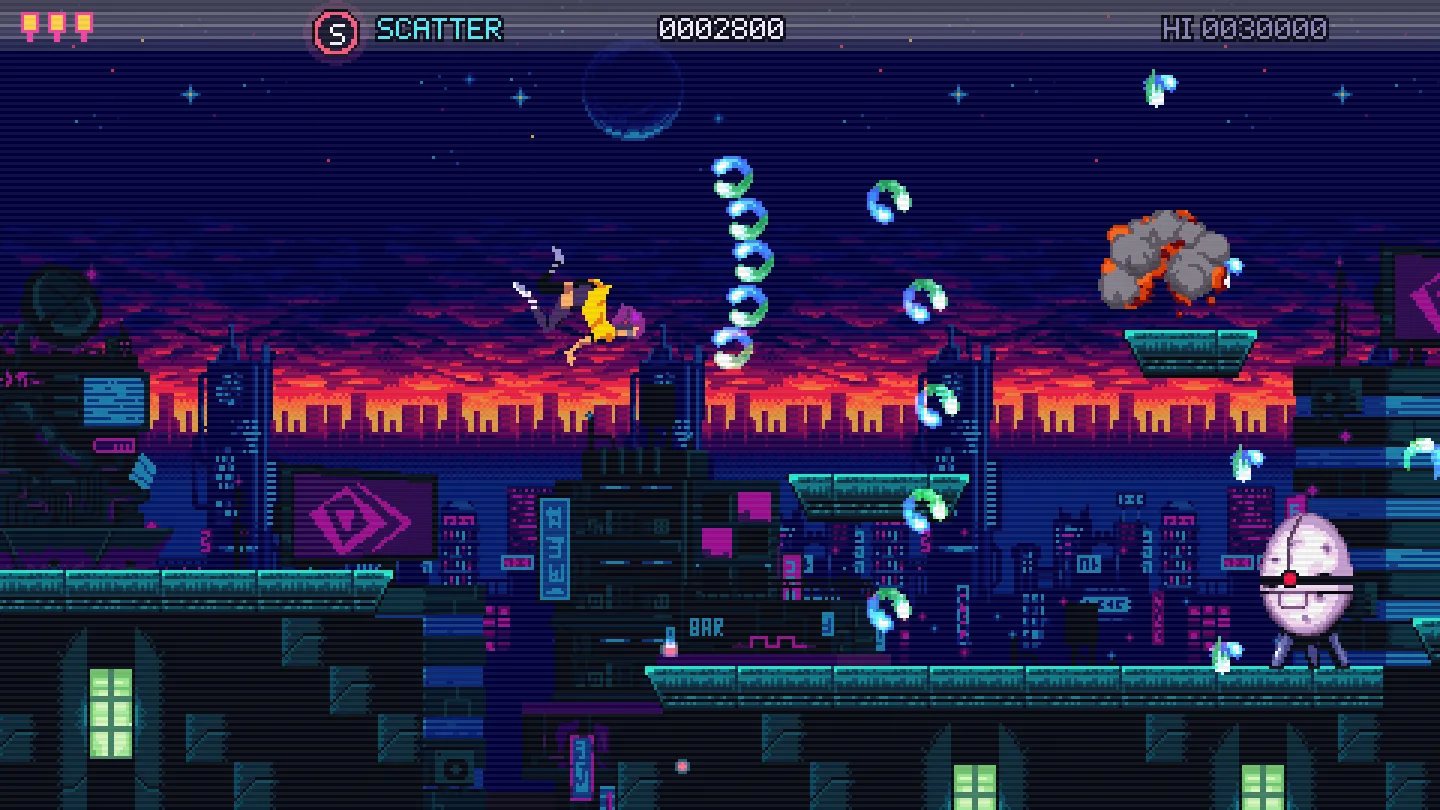
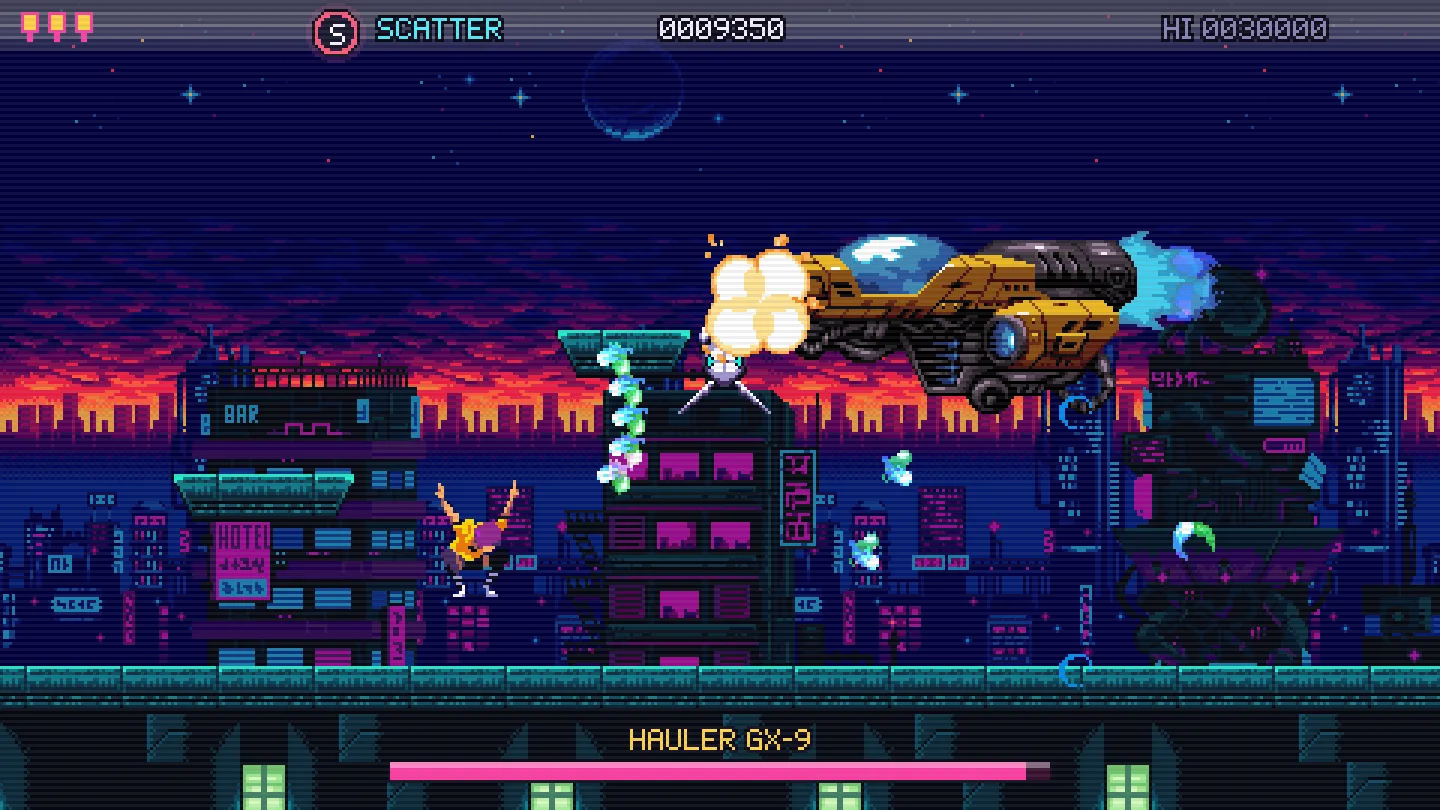
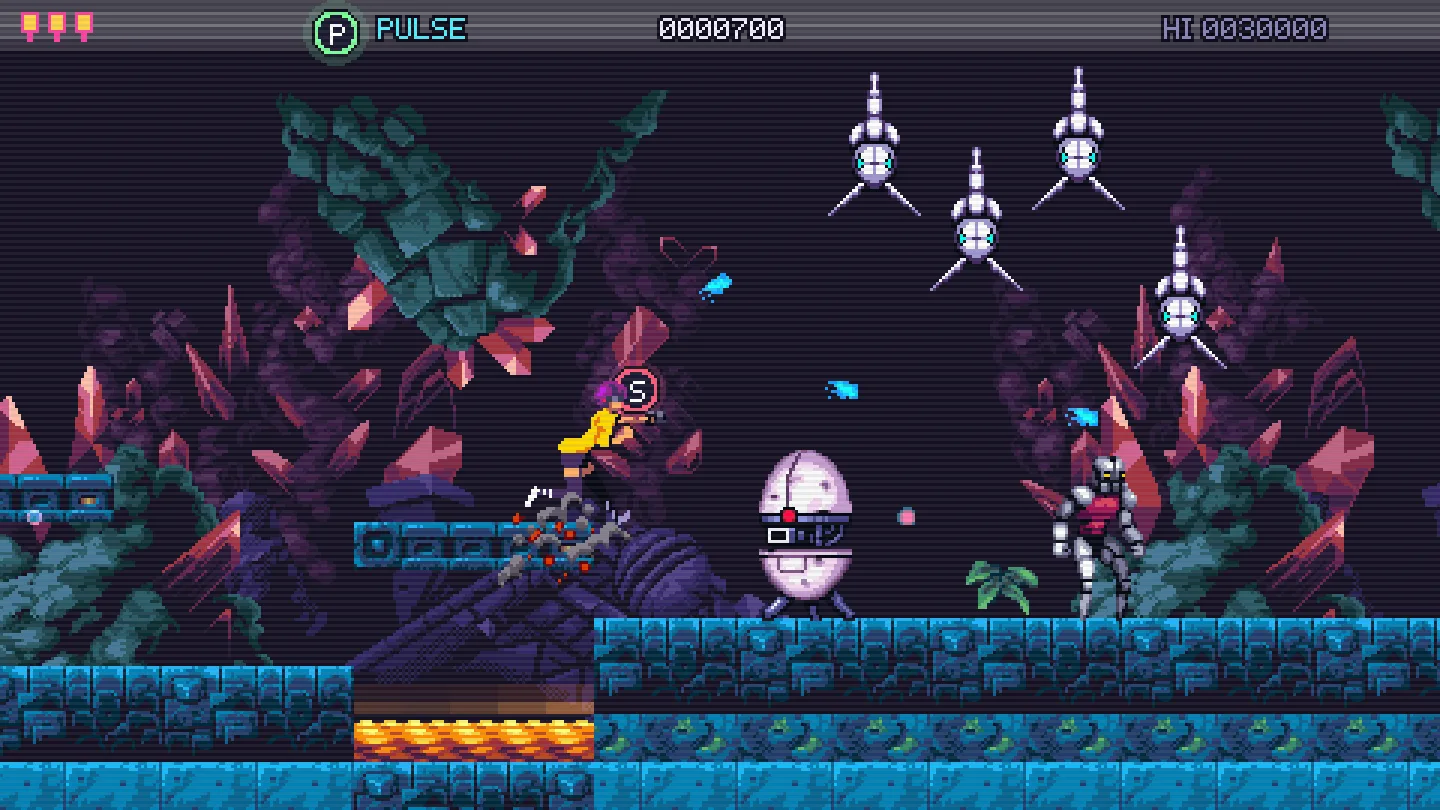
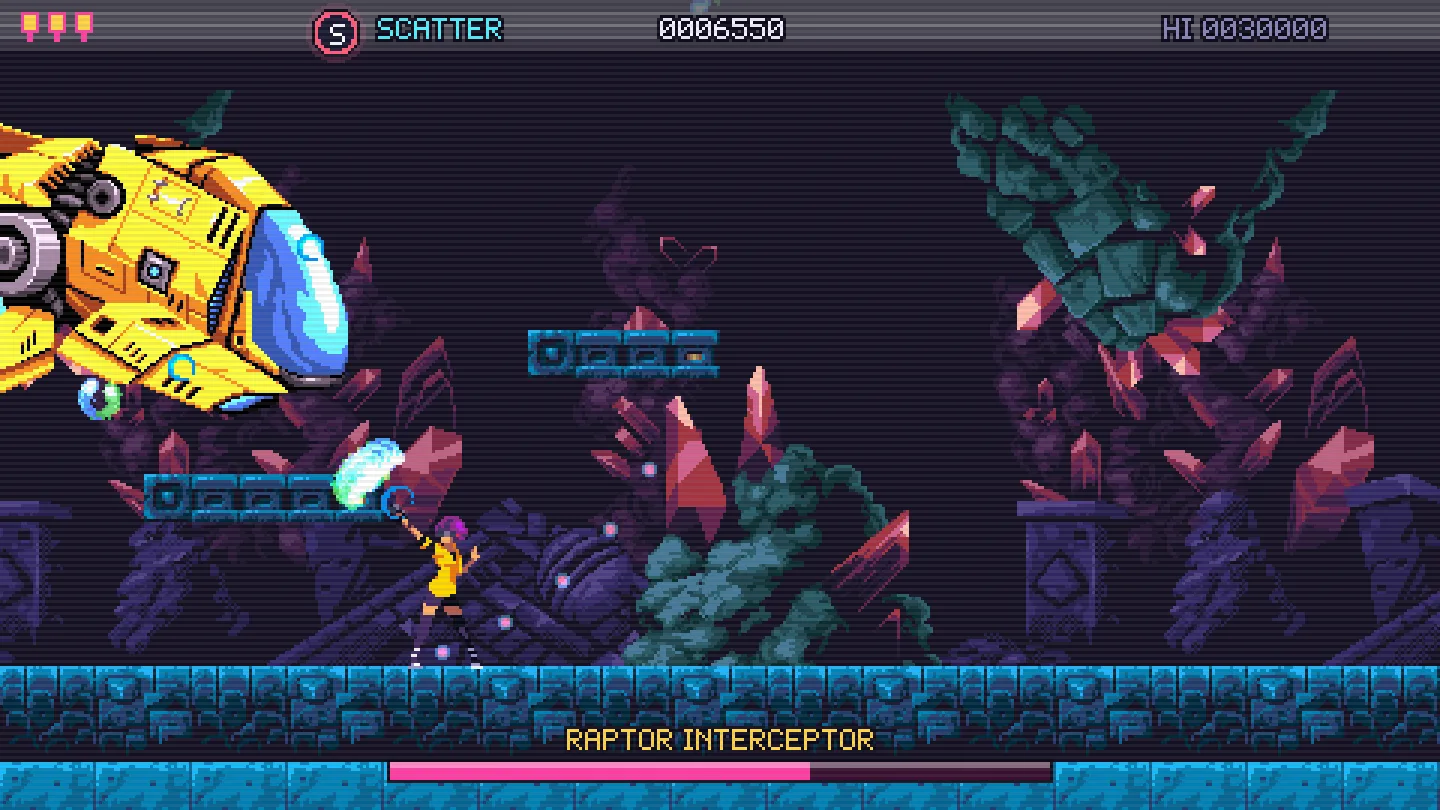
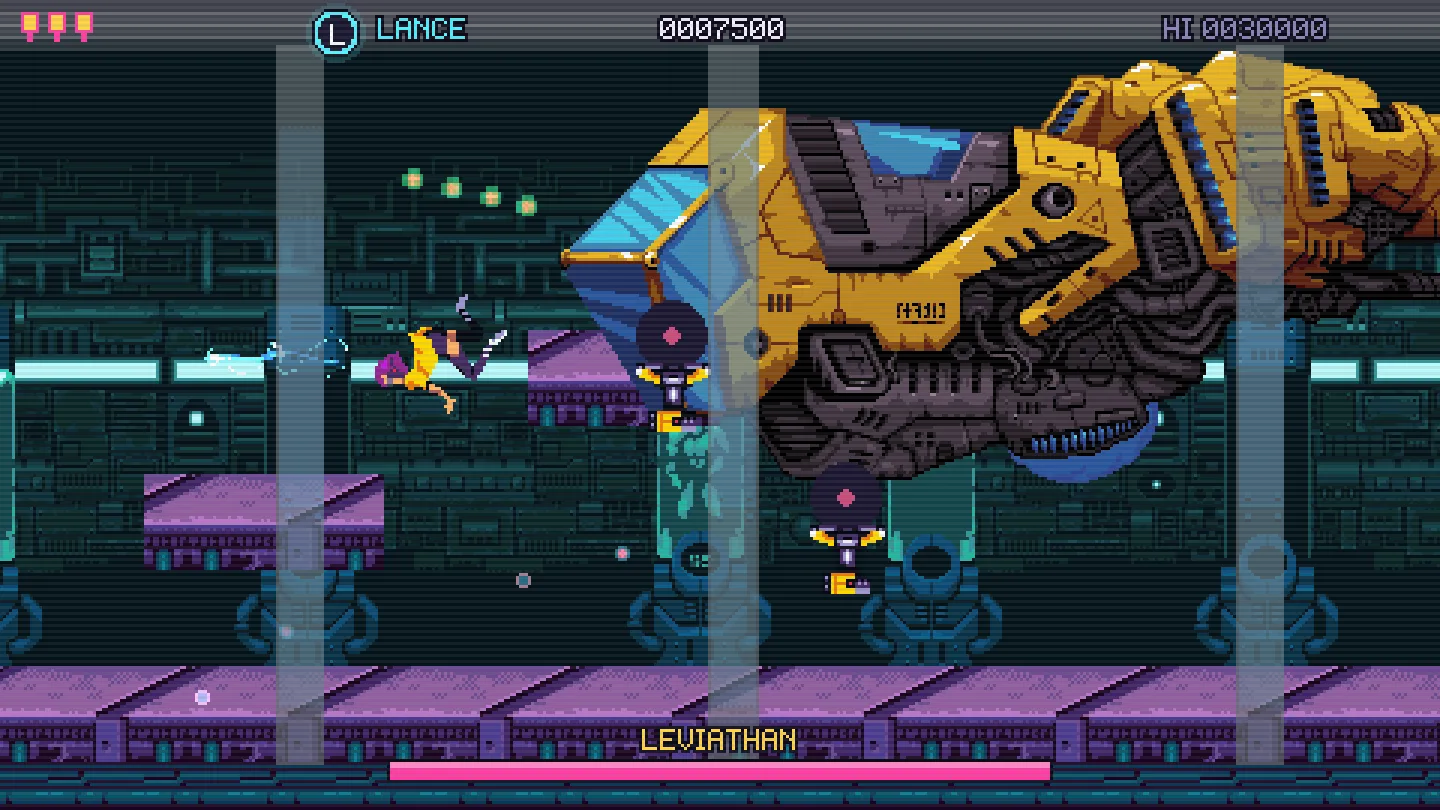
Captured from scripted playthroughs of the desktop build, at 3× scale.